Gift cards
Gift card can be used to buy Supporter Tiers, in a variety of ways. For example, to compensate players or let players buy gift cards for other players.
Create gift card
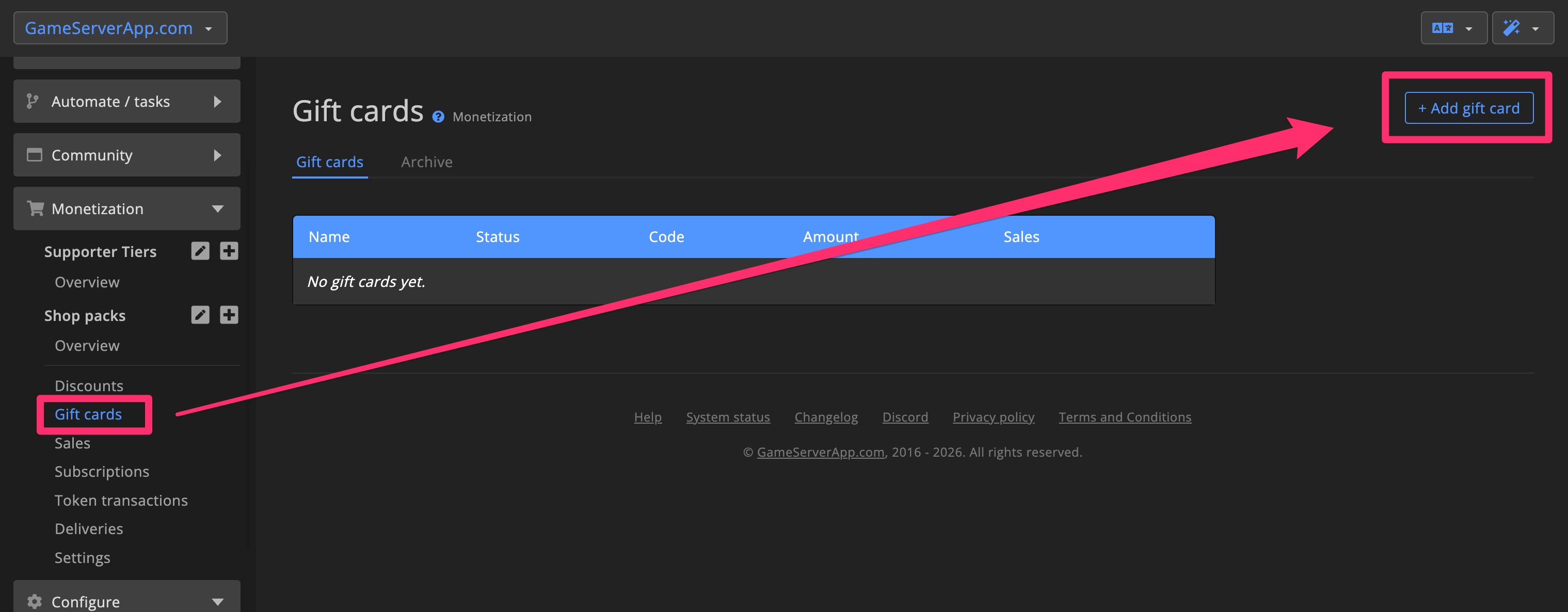
1. Click + Add gift card
Start by clicking + Add gift card in the top-right corner of the Gift card overview page.
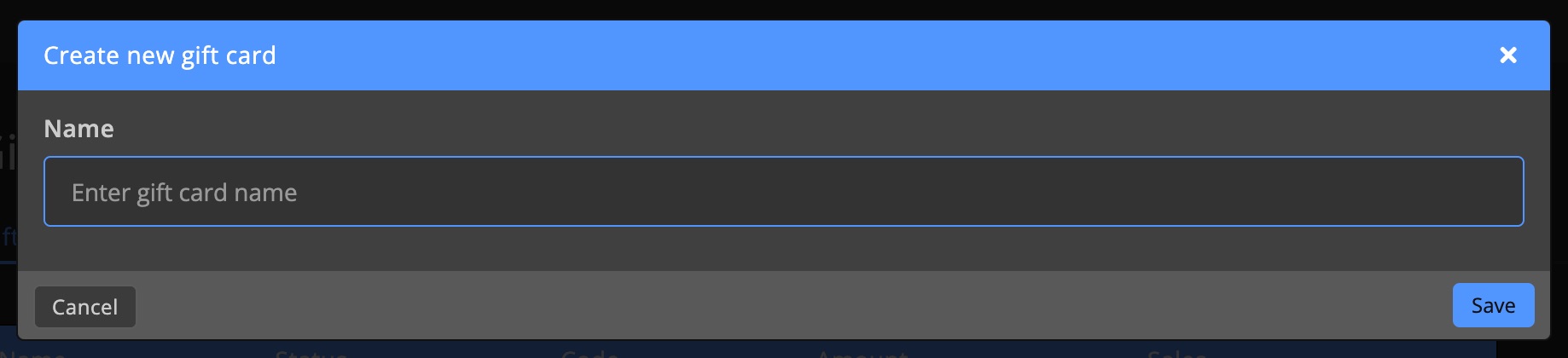
Enter a name and hit Create.
2. Configure settings
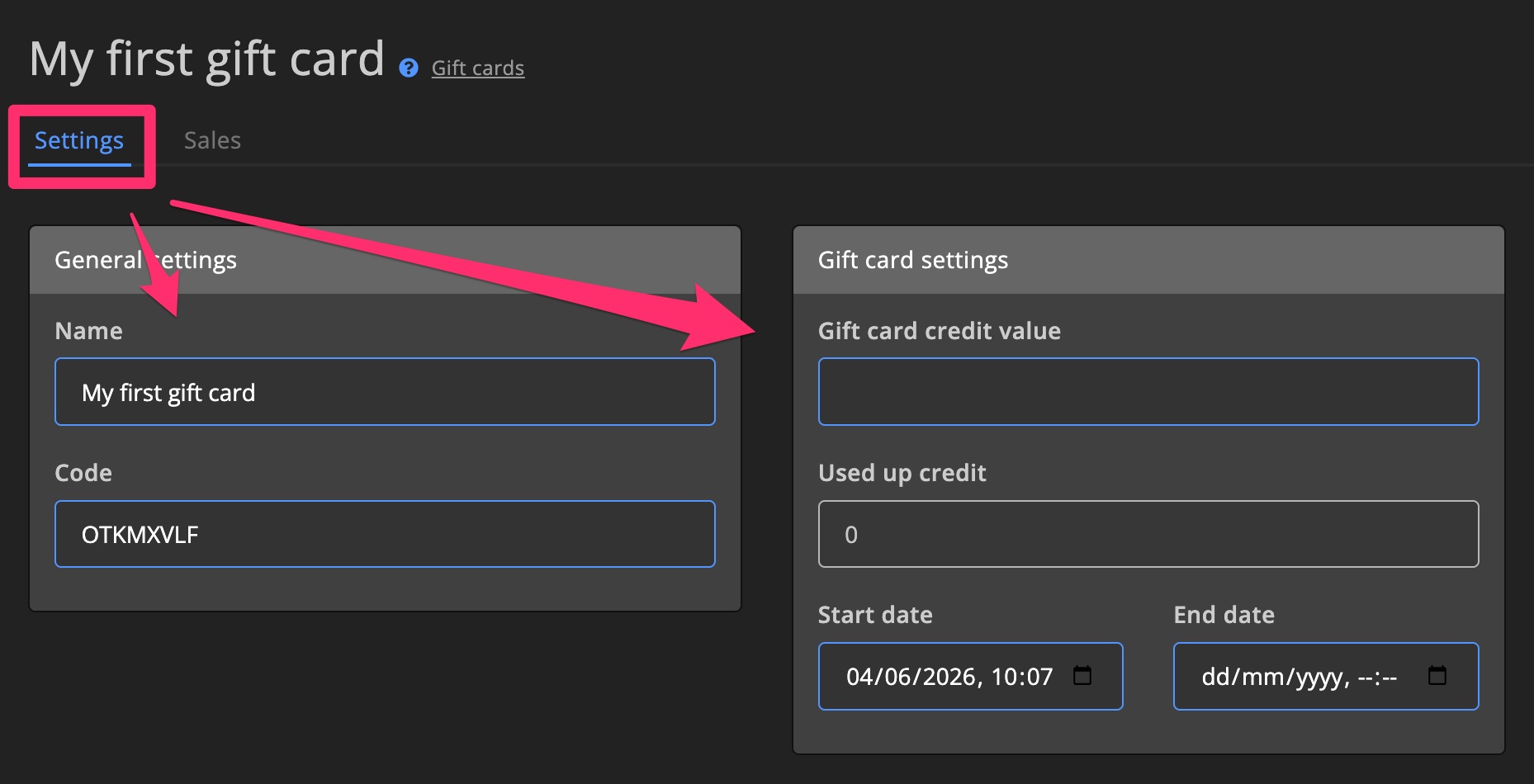
Set the gift card value and specify the availability period. More info about Gift card settings >
3. Activate for items
Select which Supporter Tiers it applies to in the Activate discount for section. This determines which items players can buy with the gift card.
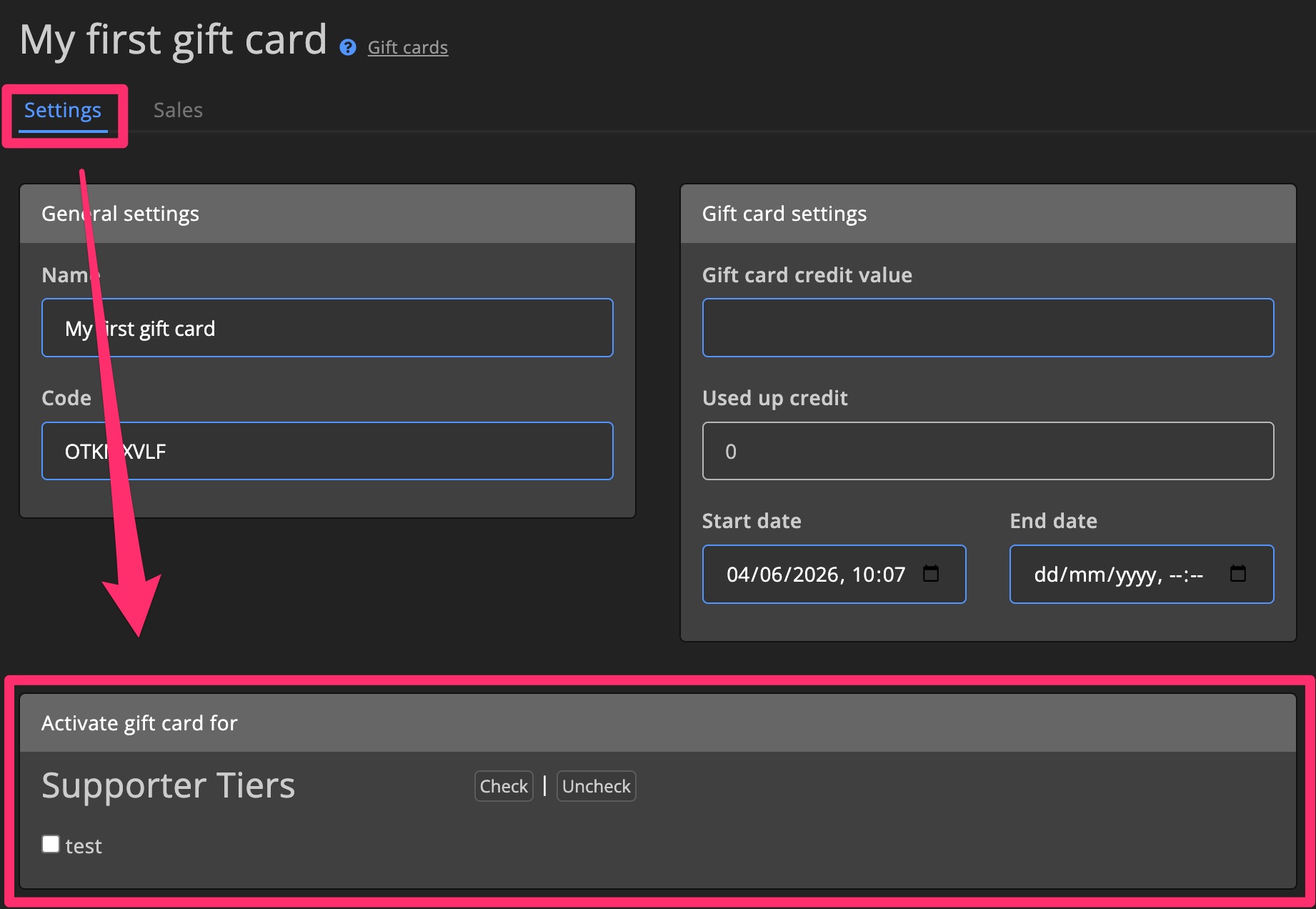
Settings
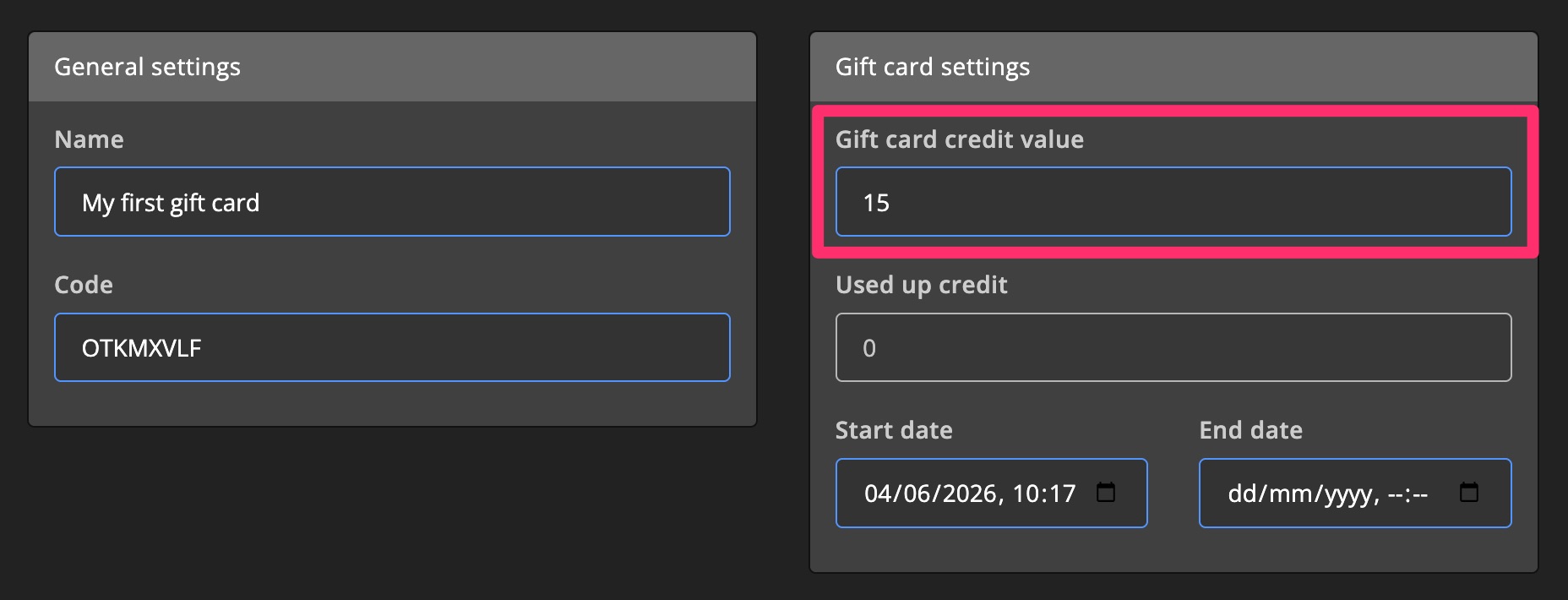
Gift card credit value
Set the value of the gift card.
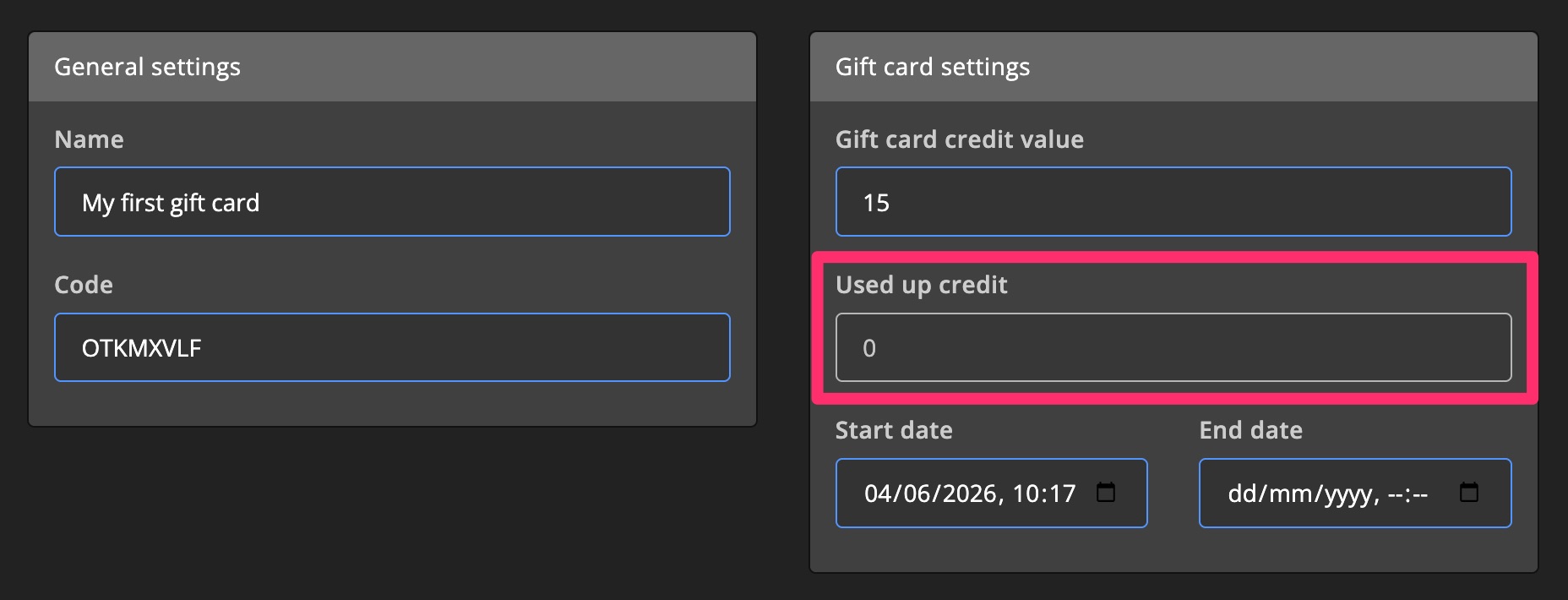
Used up credit
See how much of the gift card has been used.
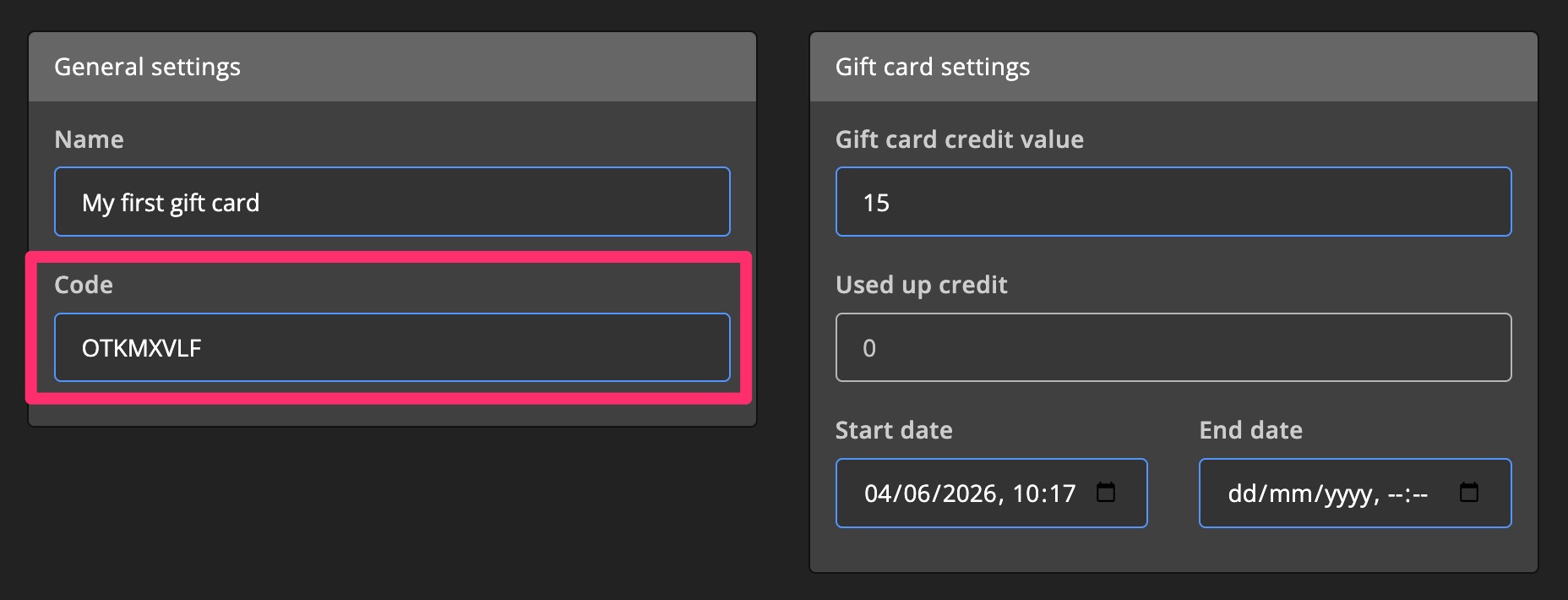
Code
Players must enter this code on the Community website to redeem the gift card.
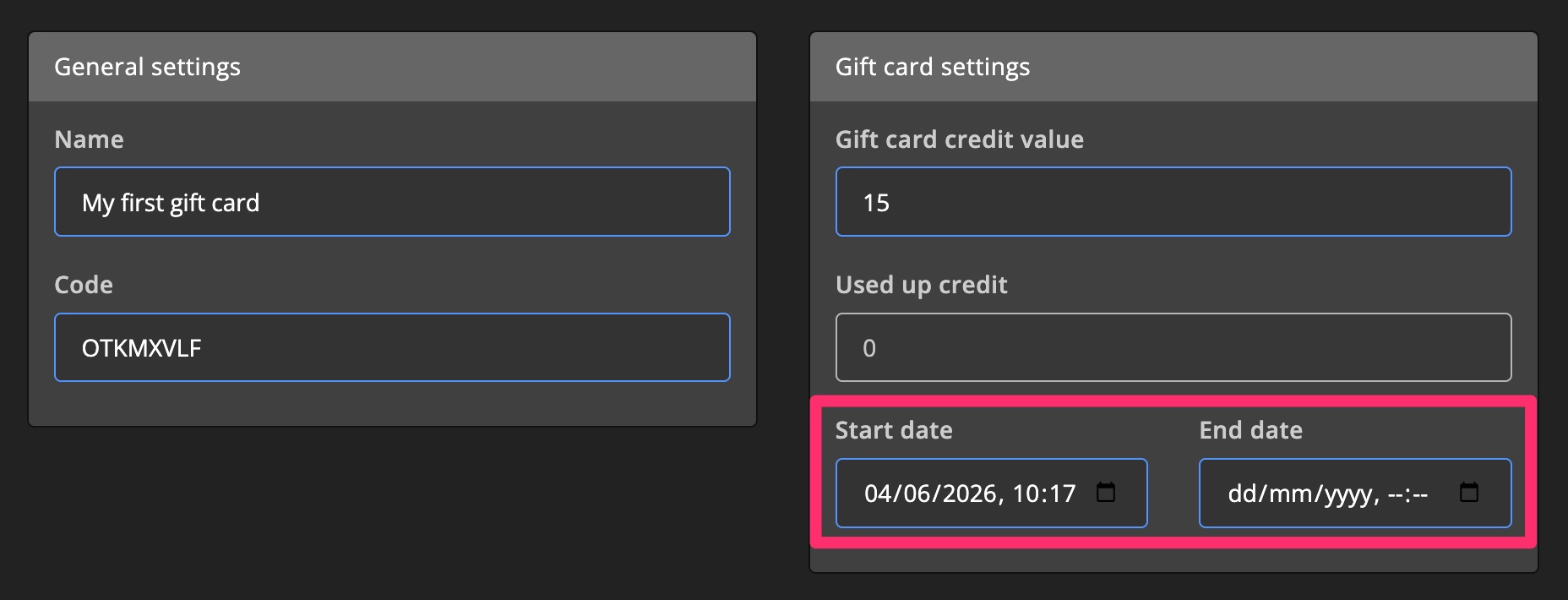
Start & End date
Determine when the gift card becomes available and when it expires.
You can leave the End date empty to keep the gift card active indefinitely.
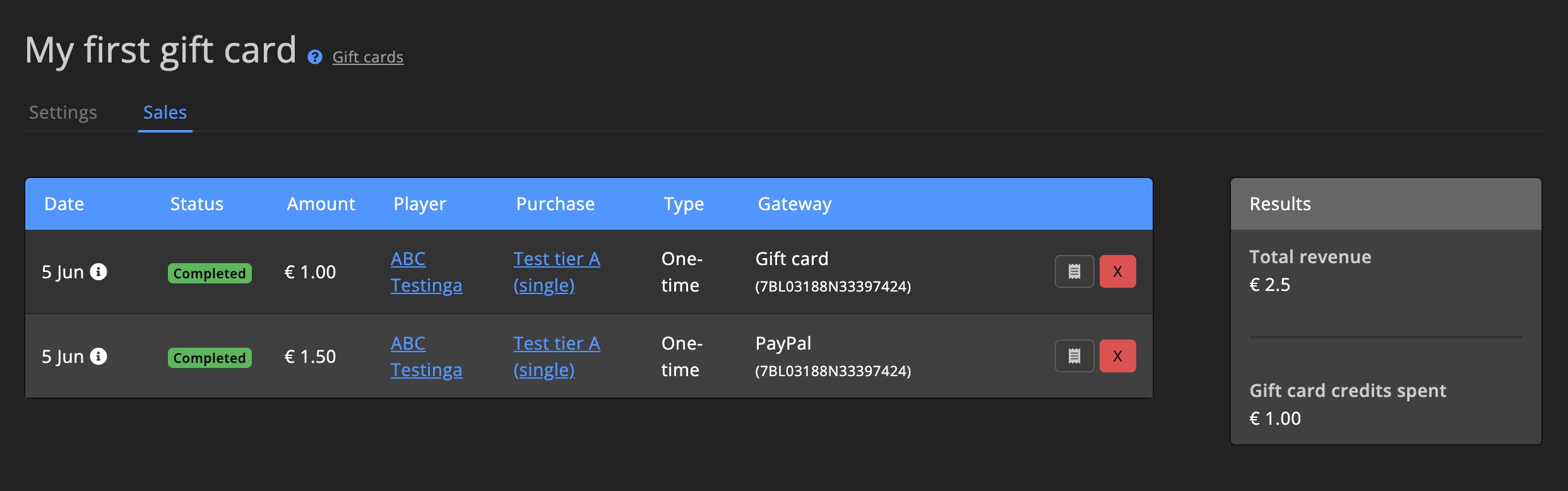
Gift card sales insight
Track purchases made using the gift card.
You’ll also see a summary of total revenue generated through the gift card.